Through the use of Adobe Photoshop, Premiere, and Audition, I was able to construct my concept of the life of a student due to the new conditions from the pandemic. As many now know, Zoom is used by many schools and professors to help students with engagement in the new virtual classroom. What I try to convey in this video is the view of the student and how they feel in regard to this new life that they have become accustomed to. While many may feel like online classes are easier and less stressful, I feel as though it made classes less enjoyable and harder to concentrate when the assignment was due. Below is the YouTube video I created which shows the viewer my feelings towards online classes. I will begin by explaining each process.
I started off with Adobe Audition. I used Audition to construct the beat that I was going to use for my parody. I decided to use the song Swimming Pools by Kendrick Lamar. I used the instrumental version and slowed down the song while adding a tone matching effect. I slowed the song down because I only wanted to use an excerpt of the song to portray the message. After the beat was edited in a way that I enjoyed the most I began writing the lyrics that I would be using. After creating the lyrics I had to listen to my edited version of the song to really listen to when each lyric should be placed in the song. I found this very difficult since I edited the rapping separately and not while the song was playing. This resulted in a lot of editing to make sure the voice matched with the beat at the exact right times. Once the matching was corrected I began adding effects to the voice to make it sound more in tune with the beat. I decided to lower the tone of the voice while auto pitch correcting the vocals. Resulting in satisfaction with the vocals.
In regards to the video, I used Adobe Premiere Rush and ended up recording all the video myself other than the 3 clips that I was sent from my friends. I started off with a constantly changing video of me doing what was being said in the lyrics to a rapidly changing Zoom logo popping up right after. Later, it changed to me on Zoom graduating through the virtual screen. Next, I utilized Google Slides to show a slideshow of the middle verse of the song. The purpose behind the slides is to show the life of the student and how many classes relied on PowerPoint presentations and the difficulty in submitting projects with group members who are not with you. The final verse features my friends and a dog to help display what is occurring in the song. After all the video was matched up with the lyrics and cut to fit each edit at the right time, I began to edit the video. I started with adding filters to the video to provide scenery that matched each video despite the different lighting that occurred due to the various different places recorded. After the filters were applied, I added a title slide and an ending slide to introduce and conclude the video.
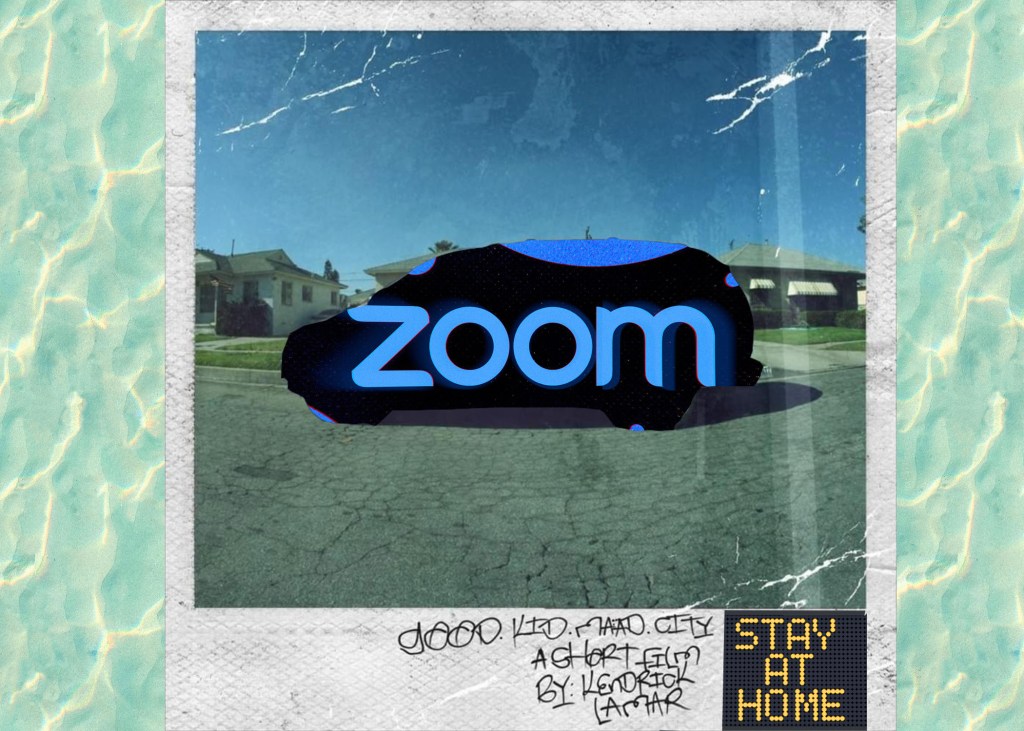
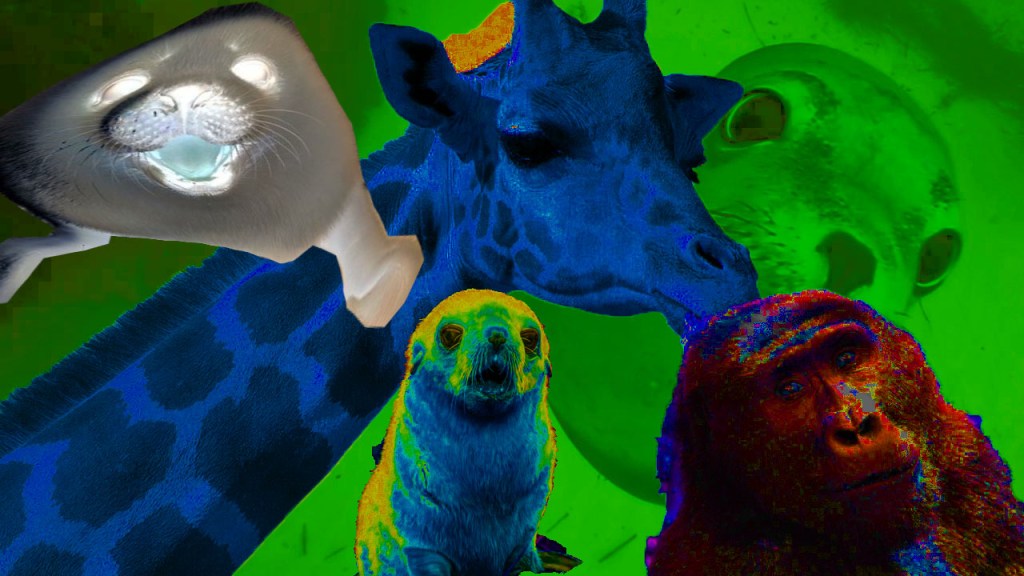
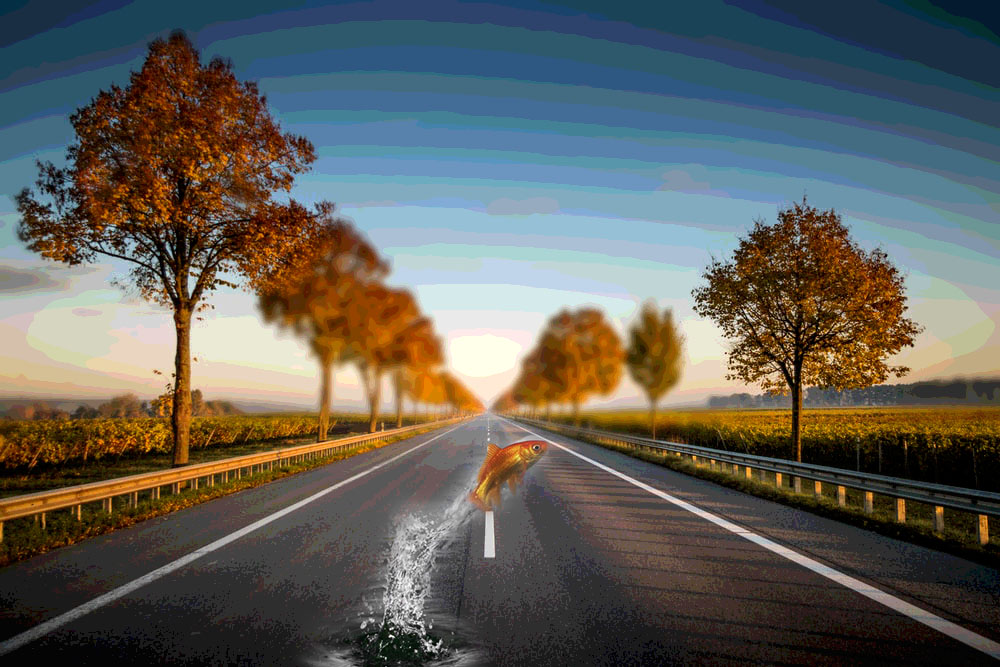
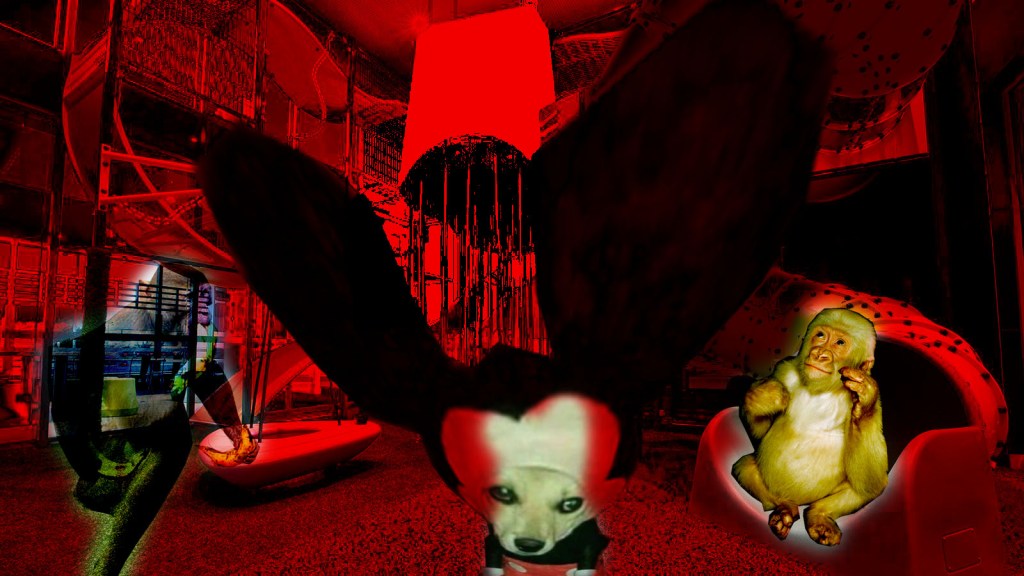
The third and final production was through the use of Photoshop. The first picture that I created was an album cover for my Sound Cloud song that was used in my video production. I used the original album cover that I made a parody of while editing various images within to make it fit perfectly with my message. I also used the water edit within Photoshop to make the background for the edit. I also began to create additional images not related to the final product but for fun, because there are so many different edits and filters on Photoshop that I never utilized. I decided to use as many edits as I can to really understand the program and learn as much as I can before I no longer have access to it. Below is 5 images where I tried my best at creating exotic yet confusing images that are satisfying to the viewer. Enjoy!

 The Amphibious Barnacle